

There are many samsung galaxy users, and losing important data from it happens unexpectedly. If you find the need to recover them, you can use Coolmuster Data Recovery for Android to help, it would help you recover lost samsung sms, contacts, photos, videos, and so on, from samsung internal memory card easily.
how to recover lost samsung galaxy data on computer
Step 1: Connect your phone to computer

Connect your samsung phone to computer via the USB cable, then launch the app. As long as you connect your phone to computer successfully, the app could detect your device automatically.
Step 2: Enable USB debugging on your phone
You need to enable USB debugging on your samsung phone, then all data on your phone will be synced to computer. If you've done this before, you will direct to next step automatically.
Note: If this is the first time you connect your phone to computer, you need to enable usb debugging on your phone, or the app can't detect your phone successfuly.
Step 3: Scan for the lost data on your phone
Then there will be an superuser Request shows on your phone, you need to click "Allow" to on your phone to allow the app to scan your phone. The program will automatically detect your phone and scan them deeply. When the scan finishes, all the contained files in your phone will be displayed in clear categories.
Step 4:Preview and recover lost data on computer
Now you can preview all of the data on your phone, select and check those you need to recover, click "Recover" to start the recovery.
That's all! Remember stop using you phone, or the deleted data will be covered by new data.
To avoid losing them by accident, we should backup them to computer timely.
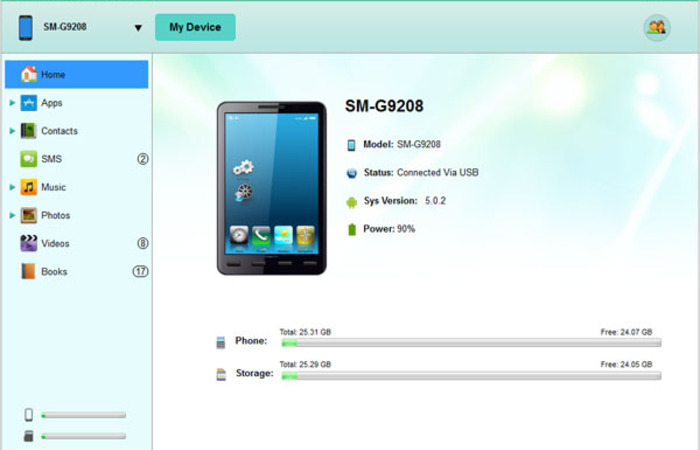
Coolmuster Android Assistant could backup android phone data to computer easily.





Comments (0)
No comments yet. Be the first to comment.